Organized profiles
Folders, tags, favorites and DEV / STAGING / PRODUCTION environments with a warning stripe. Quick connect without saving anything.
Profiles, tabs, split panes, SFTP and folder sync in one fast native app written in Rust. Passwords go to the system vault, host keys are checked strictly, and there is no telemetry.
macOS · Linux · Windows
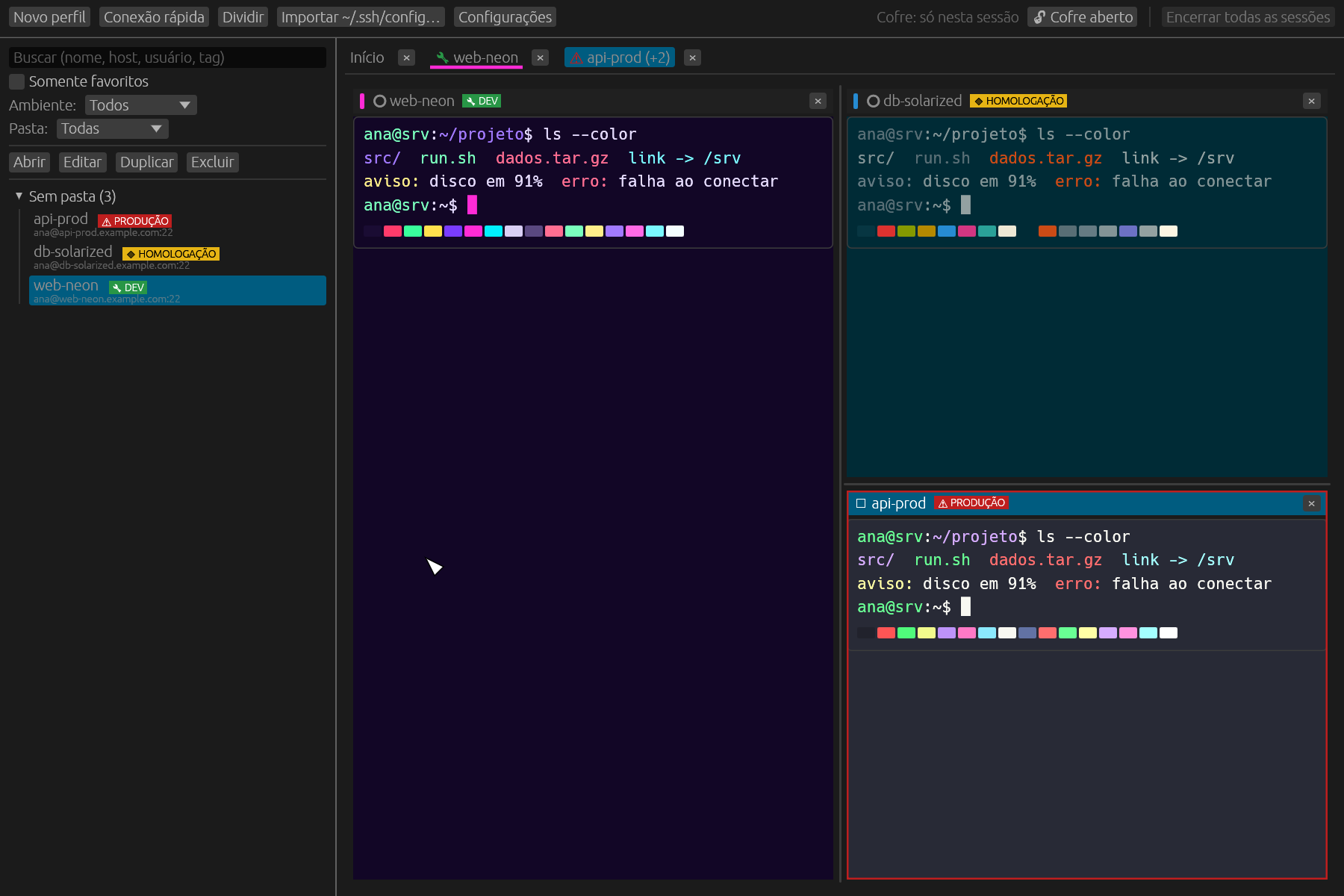
Folders, tags, favorites and DEV / STAGING / PRODUCTION environments with a warning stripe. Quick connect without saving anything.
Password, private key with or without passphrase, SSH agent and keyboard-interactive / MFA, through jump hosts.
Keychain, Credential Manager or Secret Service. Nothing in plain text on disk, in logs or in process arguments.
Accept once or accept and save. A changed key blocks the connection before anything is sent.
A native terminal (alacritty_terminal) with per-profile themes, six palettes and confirmation for multi-line paste.
Local and remote side by side, transfer queue, conflict handling, cancellation and resume of large files.
One-way sync that shows every change before it runs. Deletions are off by default and mirror mode is protected.
No telemetry and no update checks: the only network traffic is the connections you start. Interface in English, Portuguese and Spanish.
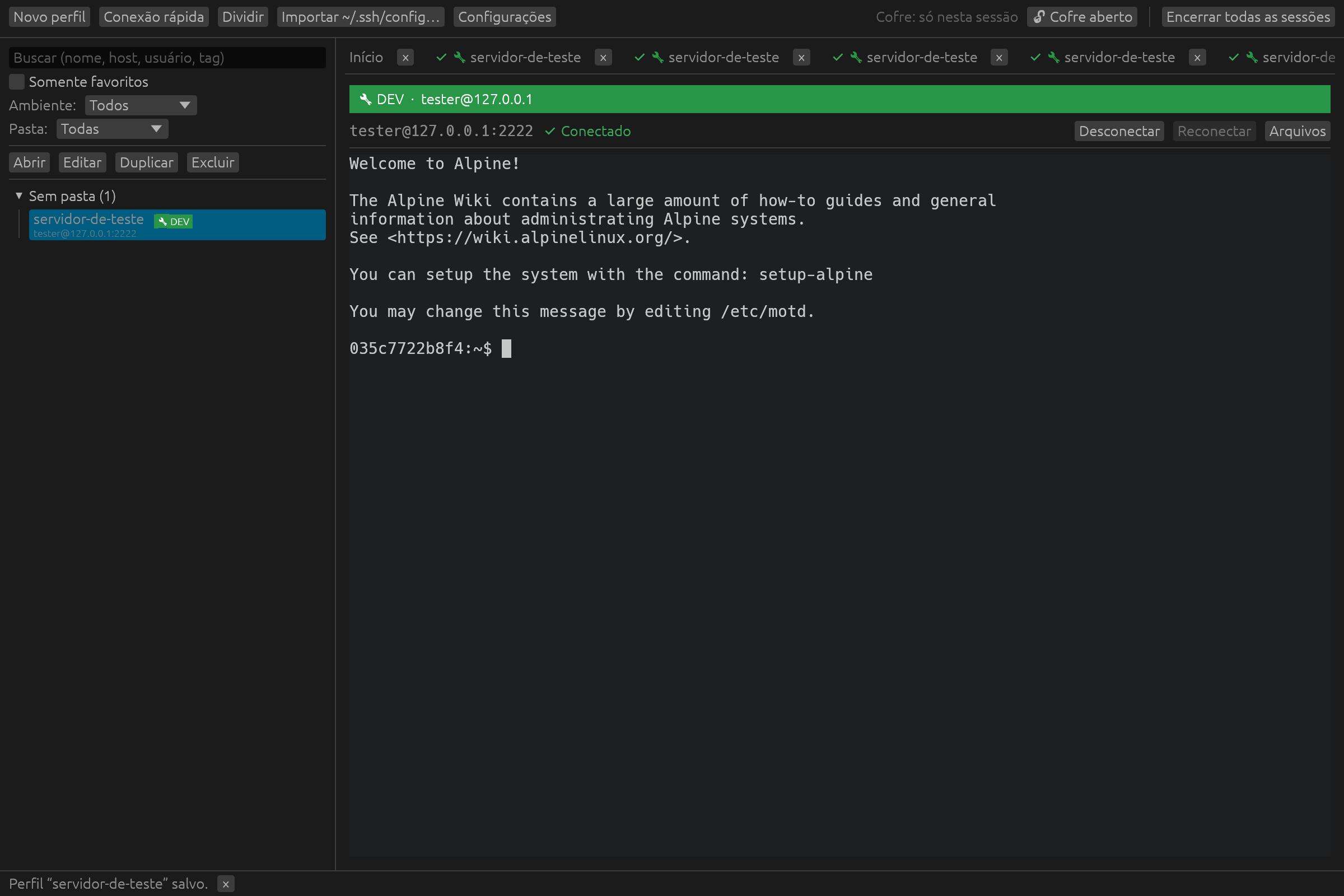
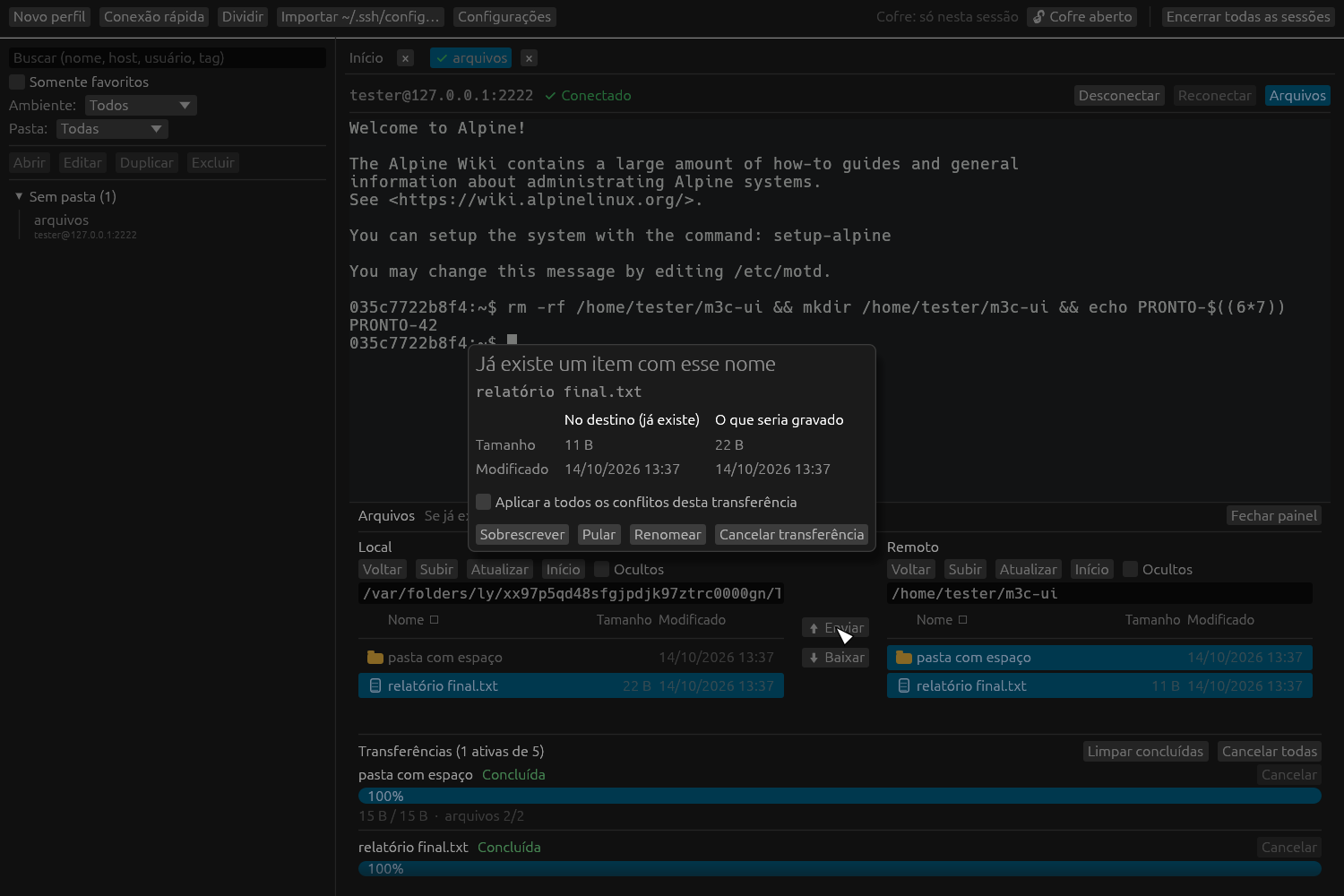
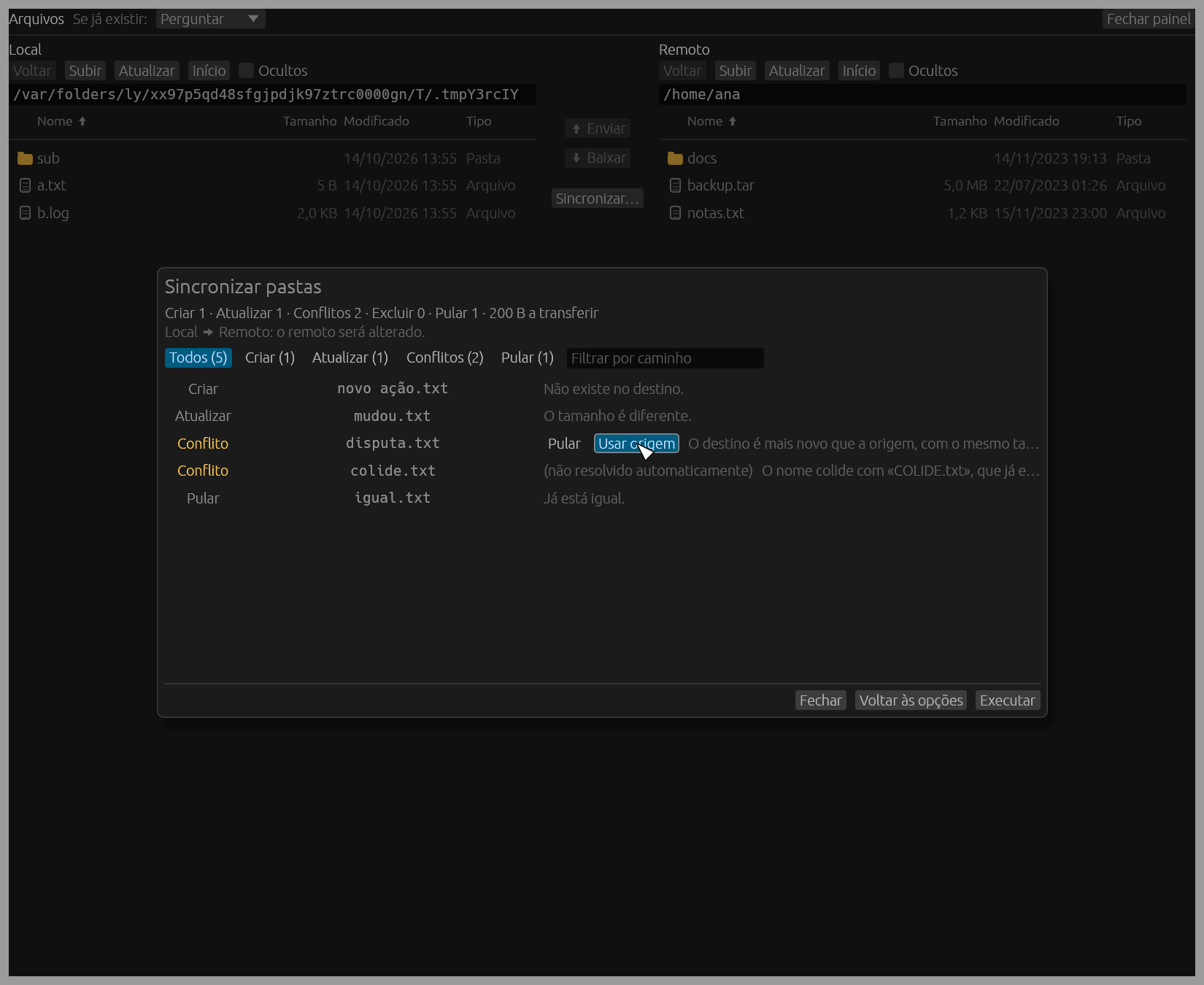
Screenshots use fictitious data from a local test server.
Pre-built packages for the latest version. They are not signed yet, so your system will warn you the first time.
Unsigned app: on first launch, right-click it and choose Open.
No package for this version yet. Build it from source (below).
Tested on Ubuntu 24.04 (Wayland).
No package for this version yet. Build it from source (below).
Not validated on Windows yet.
mySSH is free software, dual-licensed under MIT or Apache-2.0. Download the source of this version or clone the repository.
Requires stable Rust (2024 edition). On Debian/Ubuntu, install the window and GPU libraries first with make deps-linux.
git clone https://github.com/xandroalmeida/mySSH.git
cd mySSH
cargo run -p myssh-app --releasemySSH is a free, open-source desktop SSH client and session manager for macOS, Linux and Windows, written in Rust. It combines saved connection profiles, a tabbed terminal with split panes, an SFTP file panel and one-way folder sync in a single native app.
Yes. mySSH is free software, dual-licensed under MIT or Apache-2.0. There is no paid edition, no account and no subscription.
In the operating system's credential vault: Keychain on macOS, Credential Manager on Windows and Secret Service on Linux. Secrets are never written in plain text to disk, logs or process arguments.
Yes. It logs in with a password, a private key (with or without passphrase), the SSH agent or keyboard-interactive authentication, including one-time MFA codes, also through jump hosts (bastions).
No. There is no telemetry, no account and no automatic update check. The only network connections are the SSH and SFTP sessions you open.
Yes. mySSH covers the same everyday work, terminal sessions, saved hosts and file transfer, as a native open-source app that keeps all data on your computer, with no cloud service involved.